
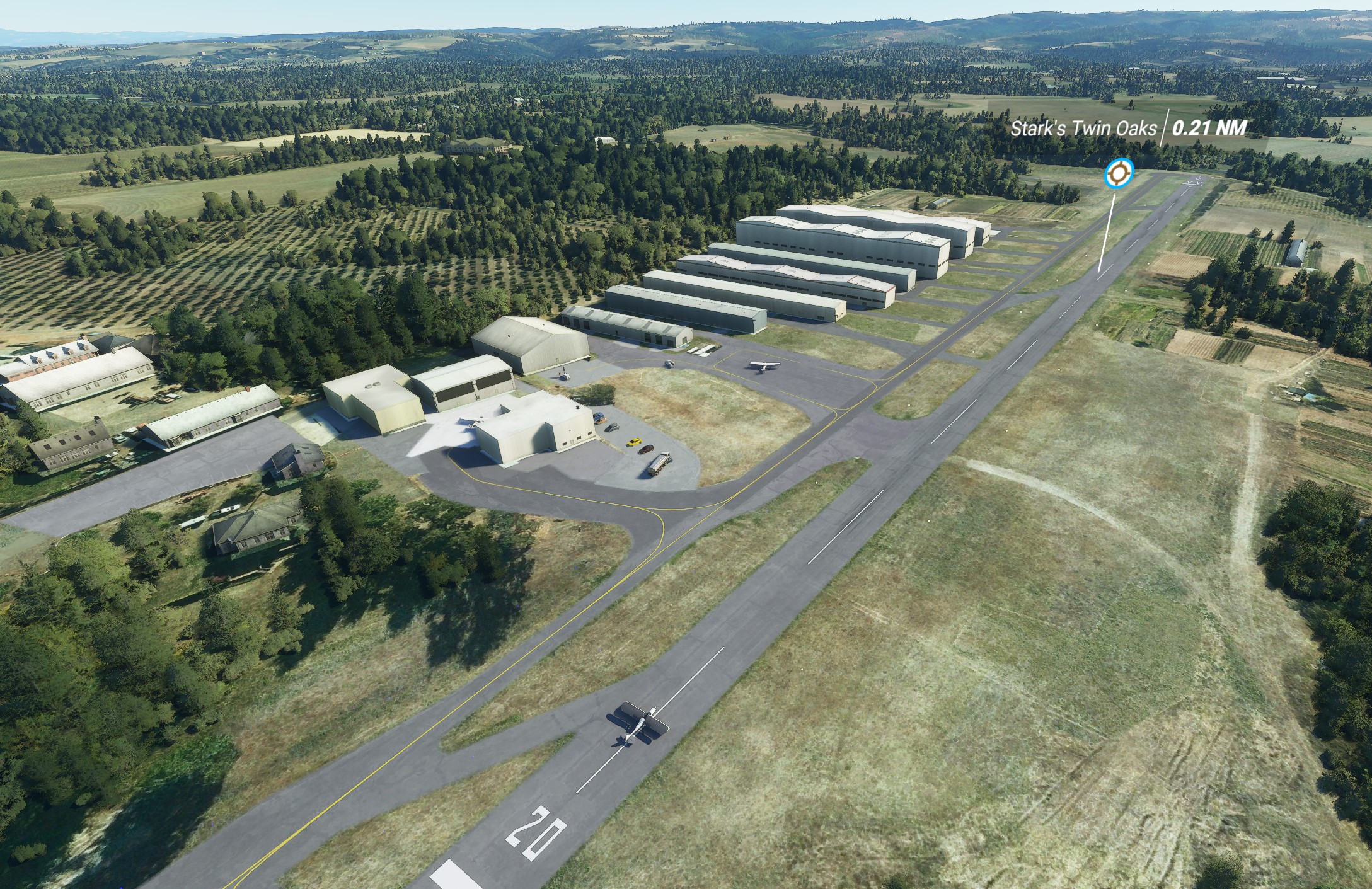
It’s been 14 years since the launch of Flight Simulator X, which long seemed like it would be the final release in the long-running series. When the company announced it would re-launch the franchise just over a year ago, using a new graphics engine and satellite data from Bing Maps, it sure created a lot of hype among both old fans and those who had never played the older version but were drawn to the next-gen graphics the company showed off in its trailer. The good news is, the new Microsoft Flight Simulator was worth the wait and, starting August 18, you’ll be able to see for yourself.
Pricing starts at $59.99 for the standard version of Flight Simulator on both the Microsoft Store and Steam. If you want access to more planes and hand-crafted airports, you will need to buy either the $89.99 deluxe version or, for even more of those, the $119.99 premium version. You can find the details of which airports and planes are included in each version here.
Rest assured, though, especially if this is your first outing in Flight Simulator, with the base version you can still land at the same 36,000 airports as the others, and there are more than enough planes to keep you occupied — you’ll just miss out on a few extras (and if you really want to, you can buy upgrades to the more premium versions later).
The cheapest way to give the game a spin is to subscribe to the Xbox Game Pass for a month, because the standard edition is now part of Microsoft’s subscription program, and if you’re a new subscriber, the first month only costs $1.
I already dove pretty deeply into the beta a few weeks ago, but Microsoft provided me with an early review copy of the final release of the premium version, so it’s worth taking a second look at what you’ll get.
The first thing everybody I showed the new sim to told me was how beautiful it looks. That’s true for the scenery, which includes a mix of cities reconstructed in every detail thanks to the photogrammetry data in Bing Maps and those Microsoft partner Blackshark.ai reconstructed from the 2D maps (for more on how that works, here is our interview with Blackshark). What makes this work is not just the realistic cities and towns, but also that they feel pretty alive, with traffic zipping down highways and local streets and street lights and even the windows of houses lighting up at night.
And then there’s the weather model. Flight Simulator features the prettiest clouds you’ve ever seen in a game. Rain clouds in the distance look just like in real life. Wind acts realistically on your plane. If you fly in winter, snow covers the ground — and you can play around with all of those settings in real time without having to reload the game with every change.
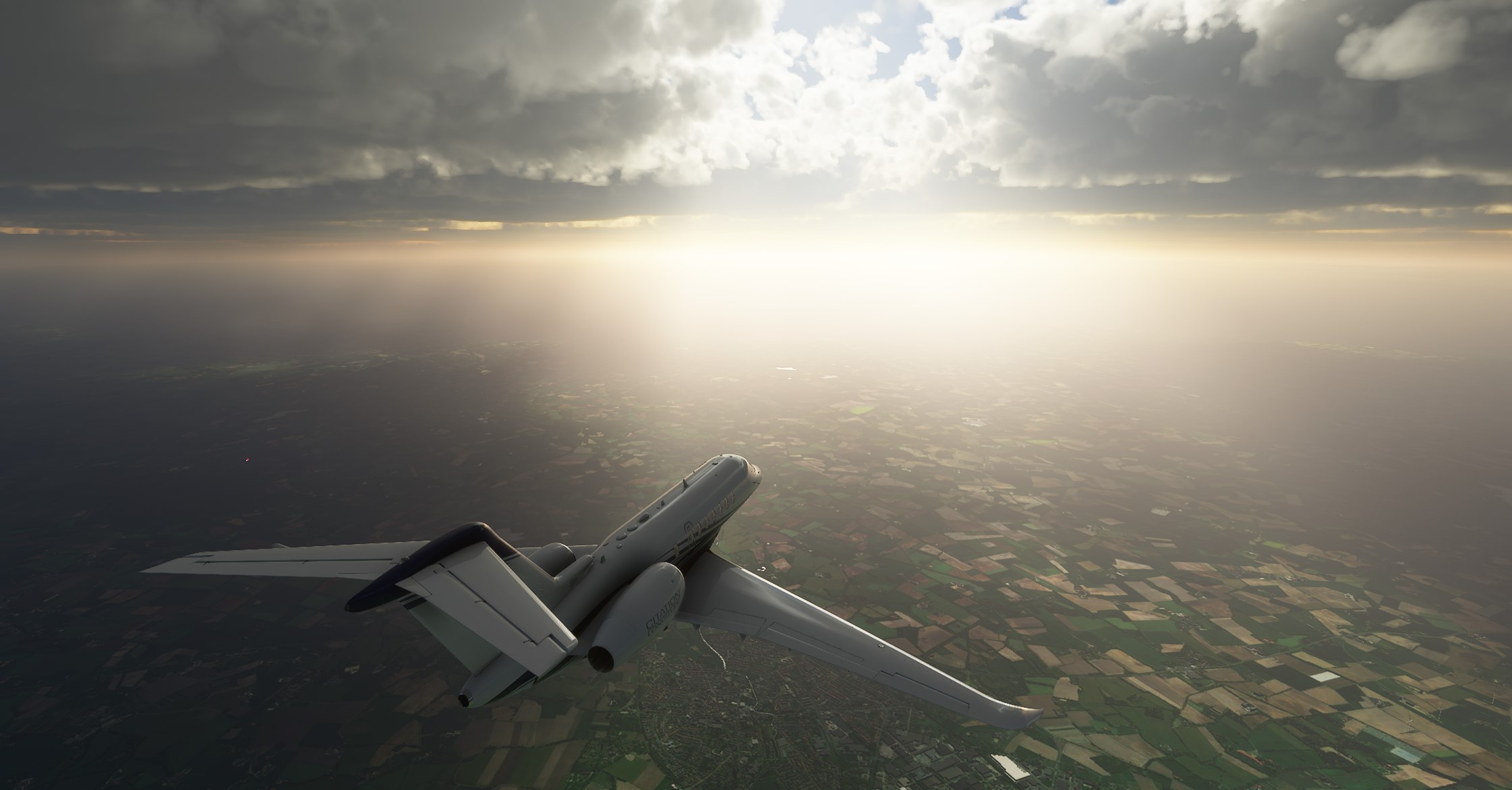
Image Credits: TechCrunch
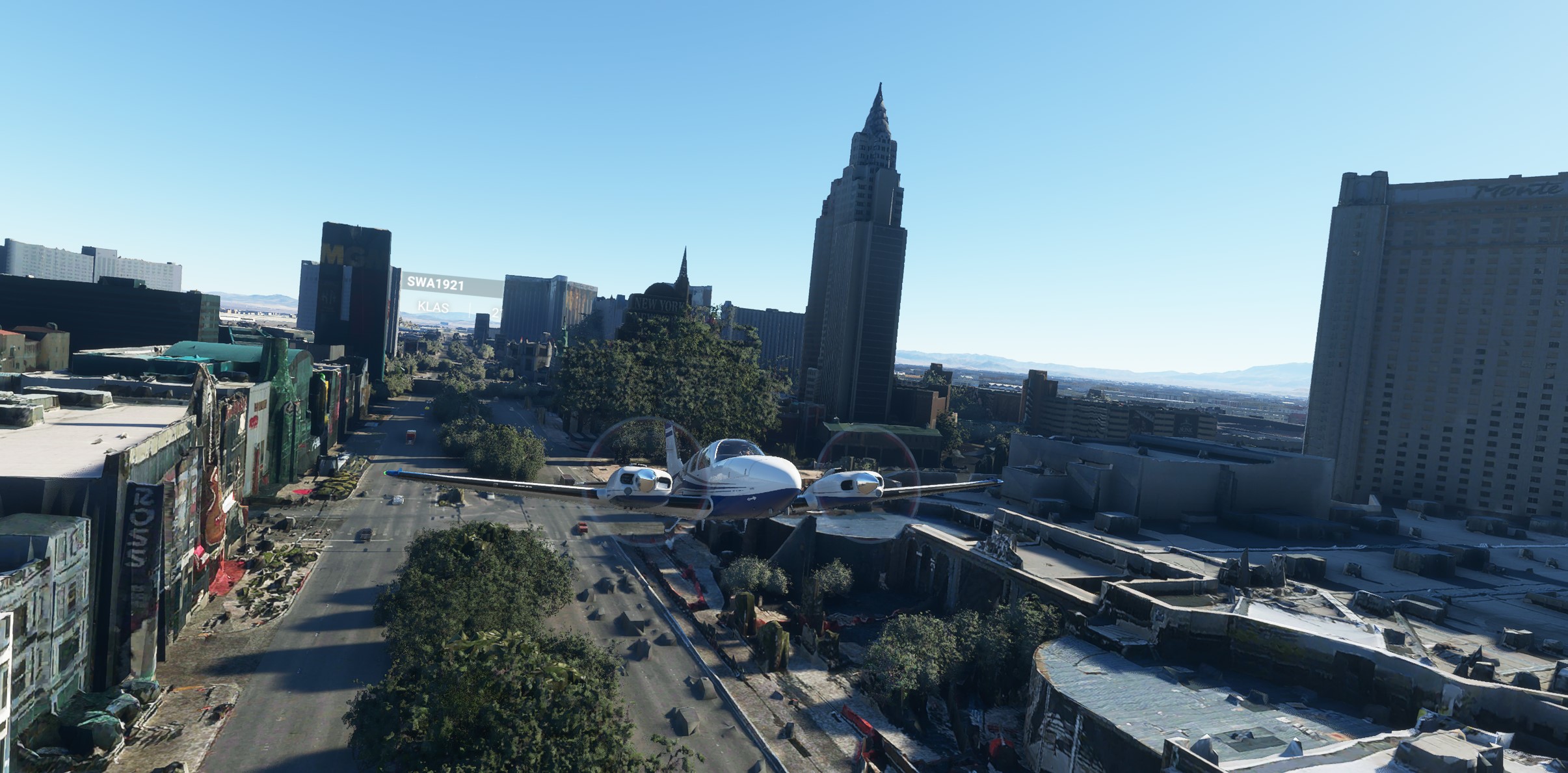
But since Microsoft and Asobo Studios decided to almost build a digital twin of our planet in Flight Simulator — and because the only way to do that is to use machine learning instead of placing every object by hand — you’ll still find plenty of oddness in the world, too. I had hoped that the team would fix more of these between the beta and final release, but I haven’t seen a lot of changes here. That means you’ll find bridges that look more like dams, roads that go under water and a few misplaced buildings and trees — there are so many trees where they don’t belong.
The way I look at this is that Flight Simulator is still a work in progress, and that hasn’t changed in the final release. I’m okay with that because even when there are mistakes, the cities and towns still usually look better than in any paid add-on for other flight simulators. Because a lot of this data is streamed from the Azure cloud and the team will continue to tweak its algorithms, I also expect that we’ll see fewer and fewer of these issues over time. Early on, I got hung up on this, but after a while, I realized that it doesn’t take away from enjoying the game — but it’s something to be aware of.
One area where I really hoped Microsoft would have improved the game, though, is air traffic control. This was always an area where Microsoft (and to be fair, all of its competitors) struggled. This was a problem during the alpha and beta, and it still is, which is really a shame, but what we have now just doesn’t feel very realistic.
Air traffic controllers don’t use standard phraseology (no real-life controller will ever tell you that he will contact you next when you leave his airspace, for example), don’t hand you off from tower to departure and constantly tell everybody to go around. I’m pretty sure I’ve done more go-arounds in three days with the final version of Flight Simulator than during the entire training for my pilot’s license. That feels like something that could be easily improved in the next update because, maybe even more so than the occasional graphics hiccup, it breaks the immersion for those looking for a simulator experience.
I also just wish that the controllers would call airlines by their real names. Microsoft has partnered with FlightAware to show real-life flights in the game, which depart and land on time, but somehow there are no liveries for them (except for the occasional stray United plane, which hints that we’ll see more of these over time) and only a limited set of models. Again, that’s something we’ll probably see more of in future updates.
Speaking of those flight models, Microsoft tweaked some of them a bit since the beta and, while I’ve never been in the cockpit of a 787, the single-engine Cessnas that I’ve flown still behave like I would expect them to in the sim (though I find the rudder is still pretty twitchy and needs some tweaking). I can’t vouch for the other aircraft in the game, but I expect real live pilots will find they are similarly realistic.
I still found some bugs with the flight instruments here and there and the GPS systems sometimes won’t let me activate a course, for example. I also wish the simulation of the G1000 and G3X glass cockpits would go just a little bit further. I can’t help but wonder if Microsoft and Asobo specifically held back here a bit to leave more room for add-on developers.

Image Credits: Microsoft
Performance hasn’t really changed since the beta, but I’m typically getting around 40 frames per second with the 2070 Super and i7-9700K, even when barely skimming over the roofs of cities like Barcelona or Berlin.
The only time I’ve seen real dips down into the 20s is when flying low over some of the hand-crafted airports like Frankfurt, and even then, after turning around and flying over the airport again, those numbers shot back up to the 40s.
You’ll notice that I used the words “simulator†and “game†interchangeably in this post. That’s because I think, in many ways, Flight Simulator is what you want it to be. There are plenty of game elements here, with flight training, landing challenges and bush-flying exercises. And in this age of COVID-19, there’s also something about it that just feels very relaxing when you’re flying around the planet low and slow, looking at the gorgeous scenery and forgetting about everything else for a while. I do worry, though, that most casual players will get bored after a short time.
For simmers, the new Flight Simulator is a godsend and provides a great basis for their hobby for years to come, especially given that Microsoft will continue to update it and because a lot of companies will develop all kinds of add-ons for it — and thanks to the inherent flaws in the game, there’s still room for somebody to not just build additional aircraft but also handcrafted versions of smaller airports, for example.
As I said in my preview, Flight Simulator is a technical marvel. Is it perfect? No. But I can forgive those imperfections because it does so much right.
Click here for more...
from #Bangladesh #News aka Bangladesh News Now!!!



Your blog is very valuable which you have shared here about Traffic Flagger online training course I appreciate your efforts which you have put into this article and also it is a gainful article for us. Thank you for sharing this article here.
ReplyDeleteIt's a decent post, Which you have shared here. Your blog is enlightening and I truly loved the manner in which you communicated your perspectives in this post. Thank you for sharing such blogs.Online Traffic Flagger Training
ReplyDelete